How to quickly remove halos in Photoshop
Clean up bright and dark edge halos in Photoshop with the Clone Stamp and blending modes that target each type of halo.
Read article
Photographs, techniques
and what I learn along the way.
Saved only in this browser.
Clean up bright and dark edge halos in Photoshop with the Clone Stamp and blending modes that target each type of halo.
Read article
Listen to my conversation with Tony on the Sony Alpha Photographers Podcast about getting started in photography and the gear I use.
Read article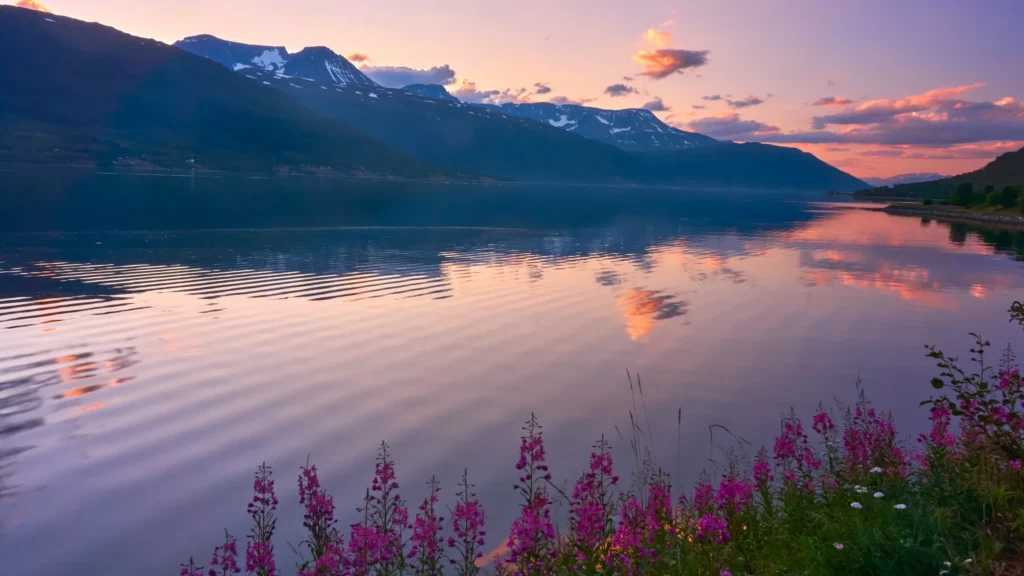
Separate dodge and burn layers let you adjust the brightening and darkening independently. I show how I use each layer to shape light in Photoshop.
Read article
A Mac workflow that pairs AppleScript with Shortcuts to trigger Capture One actions from an iPhone or iPad.
Read article
Make faint sensor dust easier to spot with a temporary adjustment layer, then clean it up with Capture One’s Heal or Clone tools.
Read article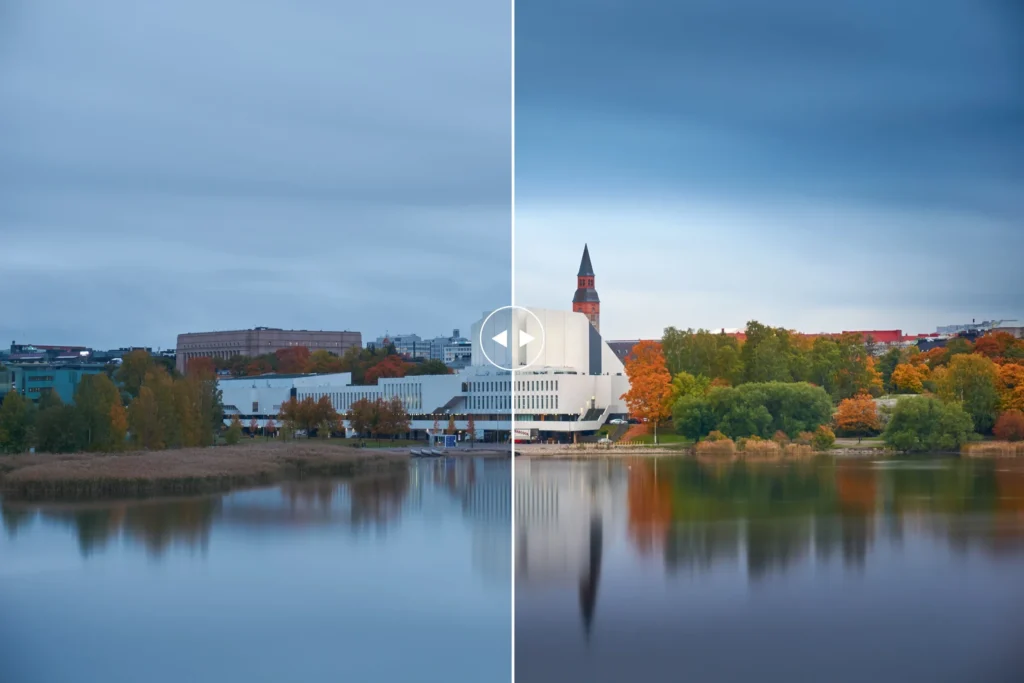
Use masks to place a vignette around your subject in Capture One and control where the image gets darker.
Read article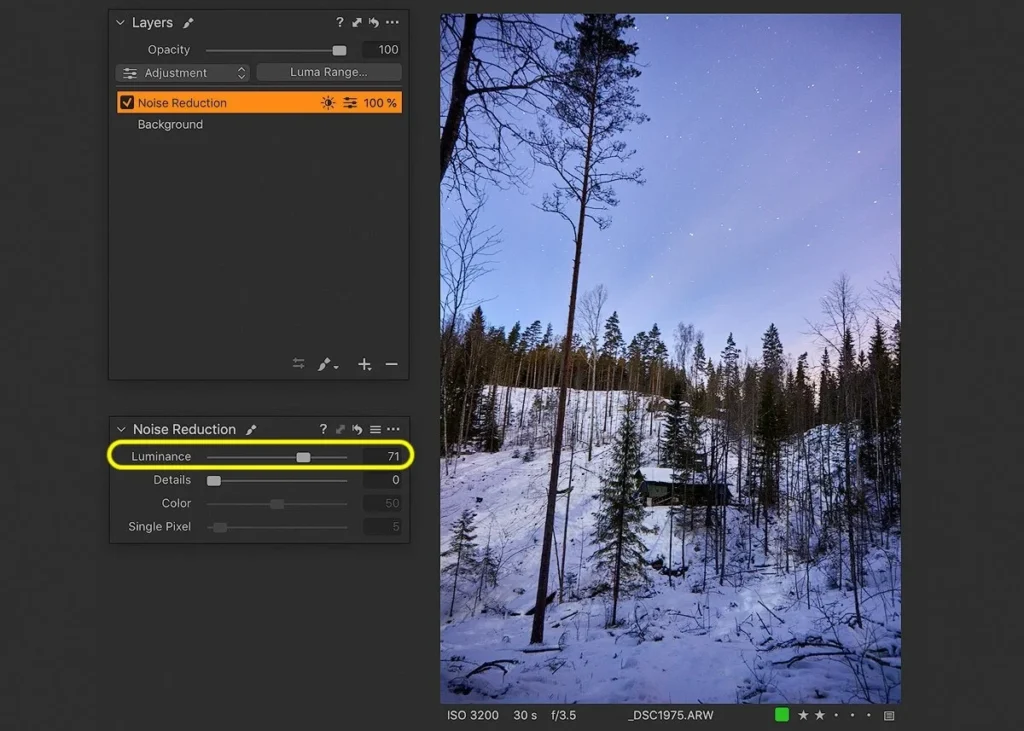
Target noisy shadows with Luma Range masks in Capture One while keeping sharpening separate so fine stars retain their detail.
Read article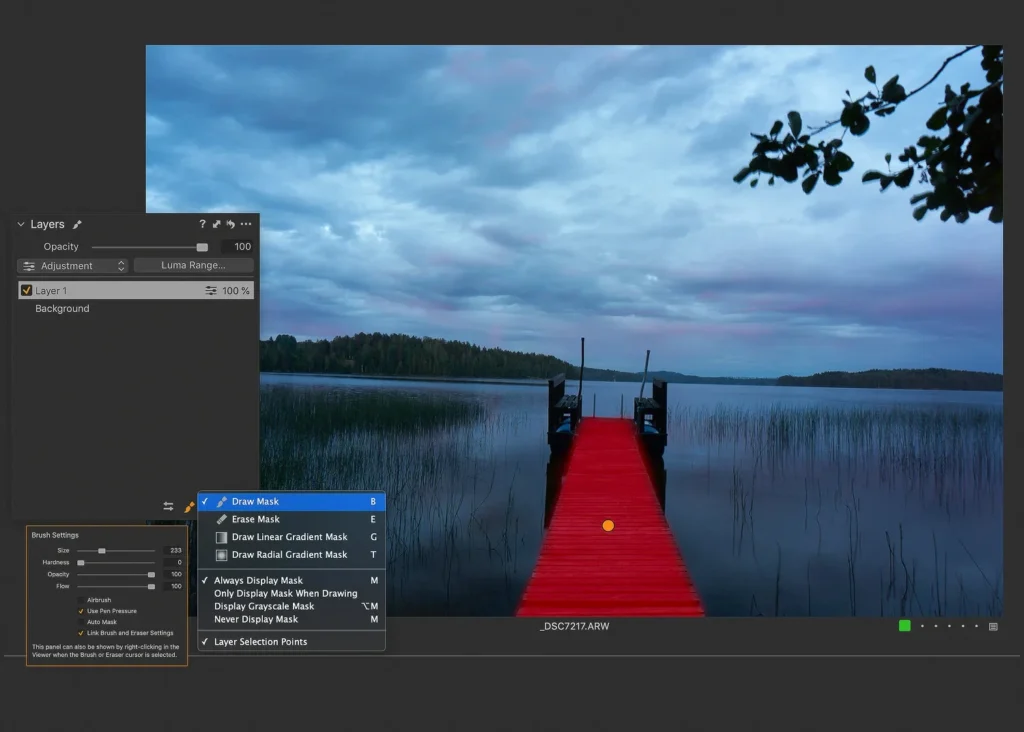
Get started with Capture One’s Layers tool. Learn to create a mask, check where it applies and adjust the strength of the edit.
Read article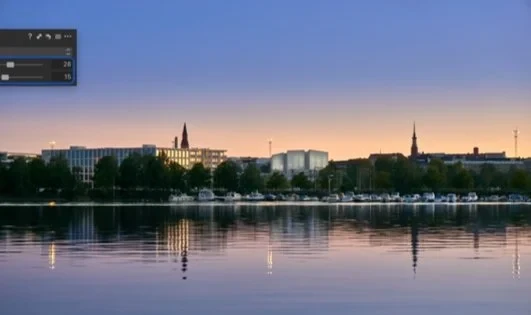
Compare Capture One’s four Clarity methods and see how the Structure slider can bring out texture in a raw photograph.
Read article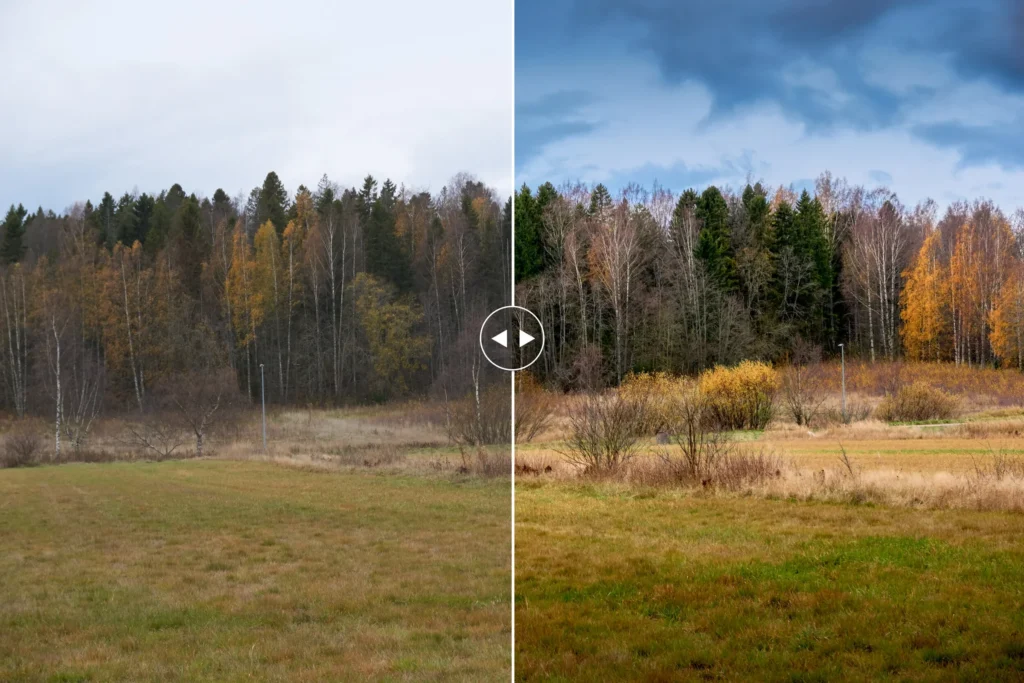
Use Capture One’s editing tools to deepen blue skies and avoid the uneven look a polariser can produce with a wide-angle lens.
Read article @samirzarroukkLatest on Instagram