

Fewer repetitive steps.
Build sessions, prepare editing layers and handle metadata with scripts you can run directly or assign to keyboard shortcuts. Apple Shortcuts are included.
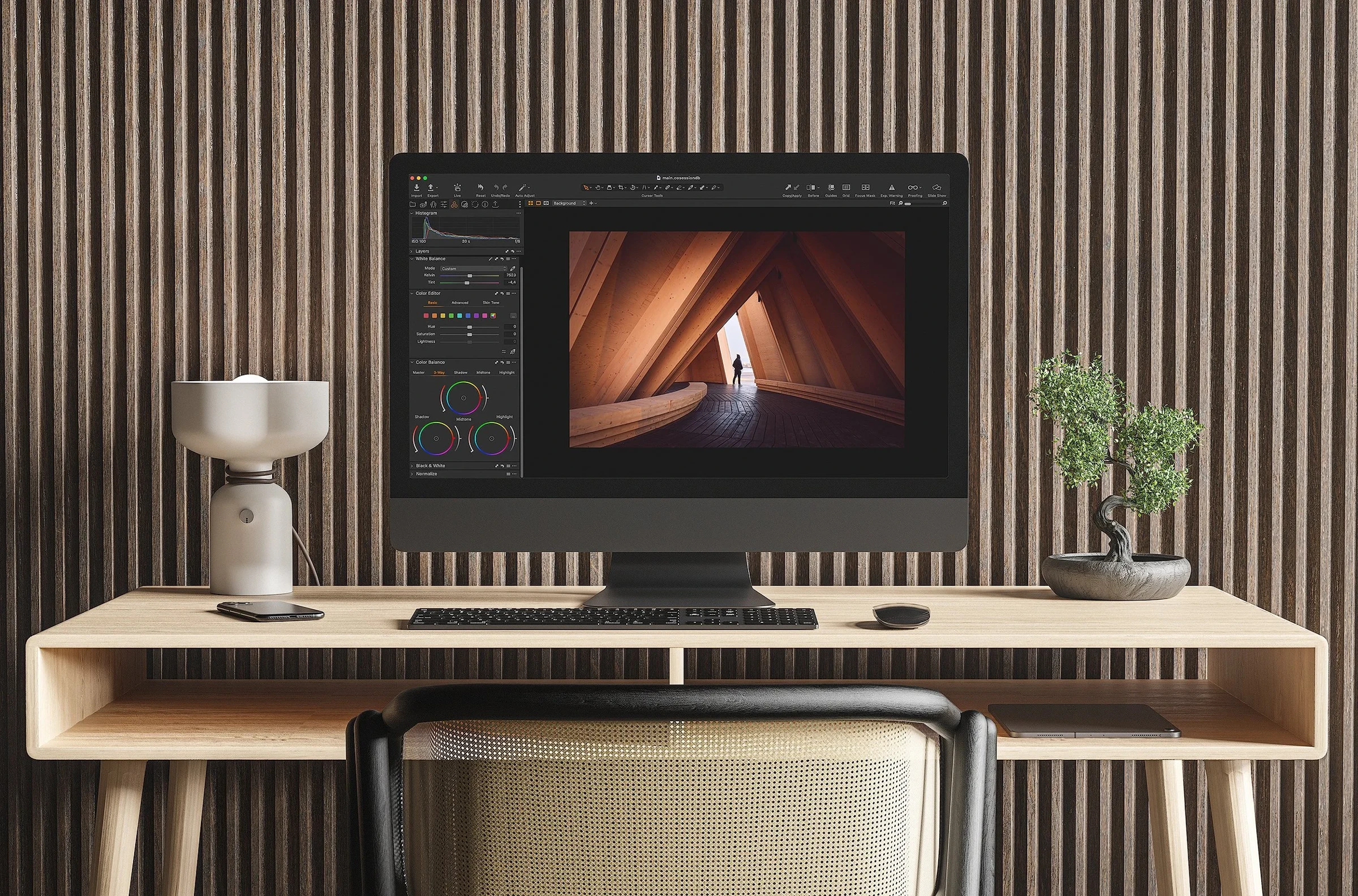
Organise the shoot
Create project folders and sessions, or set up a timed capture sequence.
Prepare the edit
Create dodge and burn layers, dust-spot helpers and luminosity masks. Apply styles to new layers, duplicate and invert masks, or auto-adjust and process images.
Handle the details
Add keywords and copyright metadata, package styles, check supported cameras’ shutter counts and add web statements with ExifTool.
The 15 scripts
- Project Folder Maker
- Create a custom project folder structure.
- Create New Session
- Start a Capture One session.
- Capture Timelapse
- Set a shot count and interval for timed capture.
- Auto adjust and process
- Apply adjustments and a style, then export.
- Dodge and Burn Layers
- Create dodge, burn and monochrome helper layers.
- Dust spot finder helper
- Create helper layers and a heal layer for cleanup.
- Luminosity masks
- Create six layers targeting bright, dark and middle tones.
- Duplicate layer and invert mask
- Copy a layer and invert its mask.
- Apply a style to a new layer
- Apply a style with your chosen opacity.
- Add keywords
- Add keywords from the clipboard or a text file, or clear them.
- IPTC Metadata
- Apply copyright metadata to selected images.
- Style Pack Maker
- Package styles into a .costylepack file.
- ExifTool Shutter Count
- Read supported cameras’ shutter counts from RAW files.
- ExifTool Web Statement
- Add a copyright web statement.
- Shutter Count Checker (Dialog)
- Check a selected file outside Capture One.
Shutter-count support: Sony, Nikon, Fujifilm and Pentax; Canon support is limited to 1D models.
Requirements
Capture One on macOS. The shutter-count and web-statement scripts use ExifTool. Shutter-count support depends on the camera and requires RAW files.