From your final edit to the files you need.
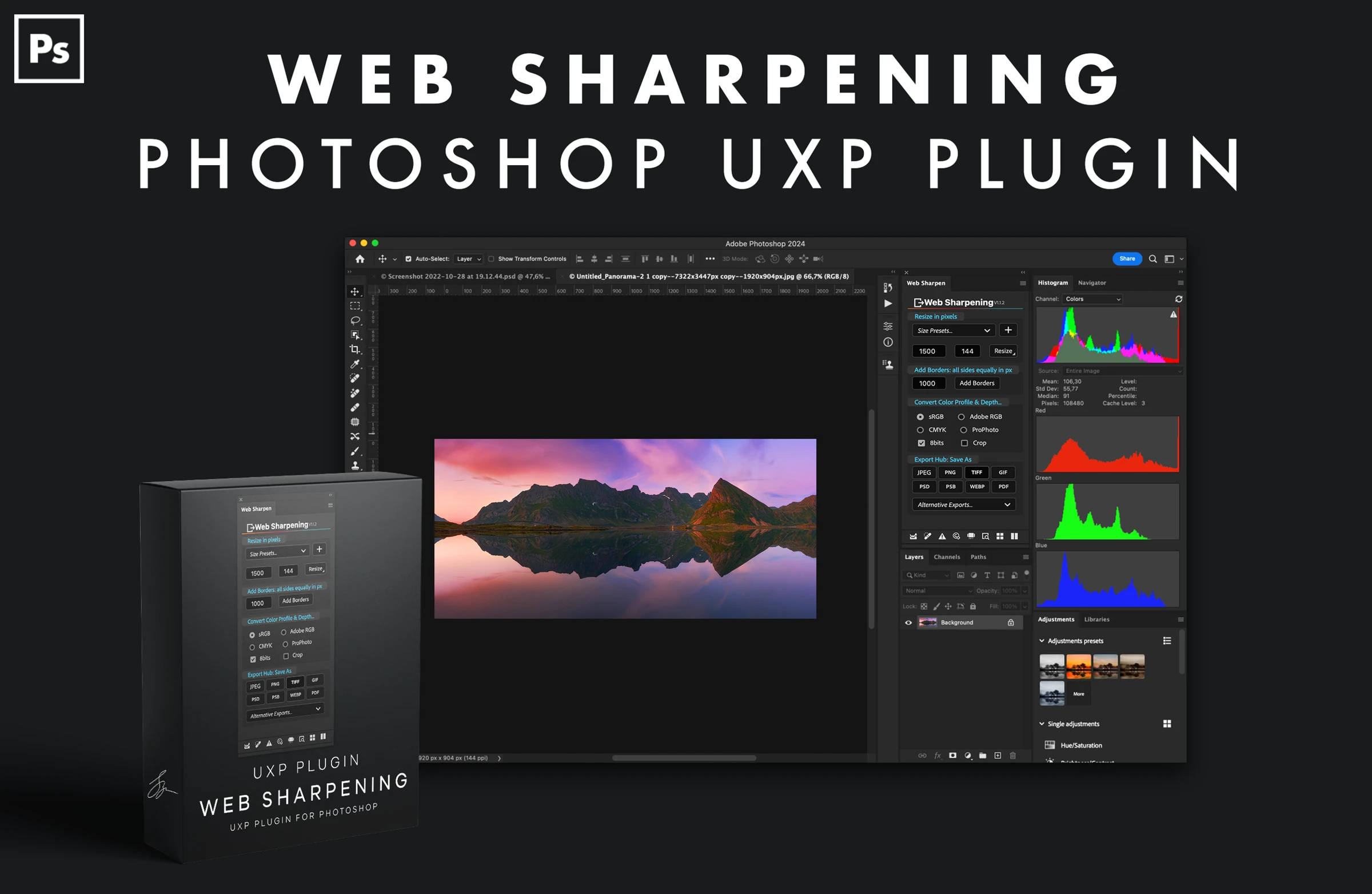
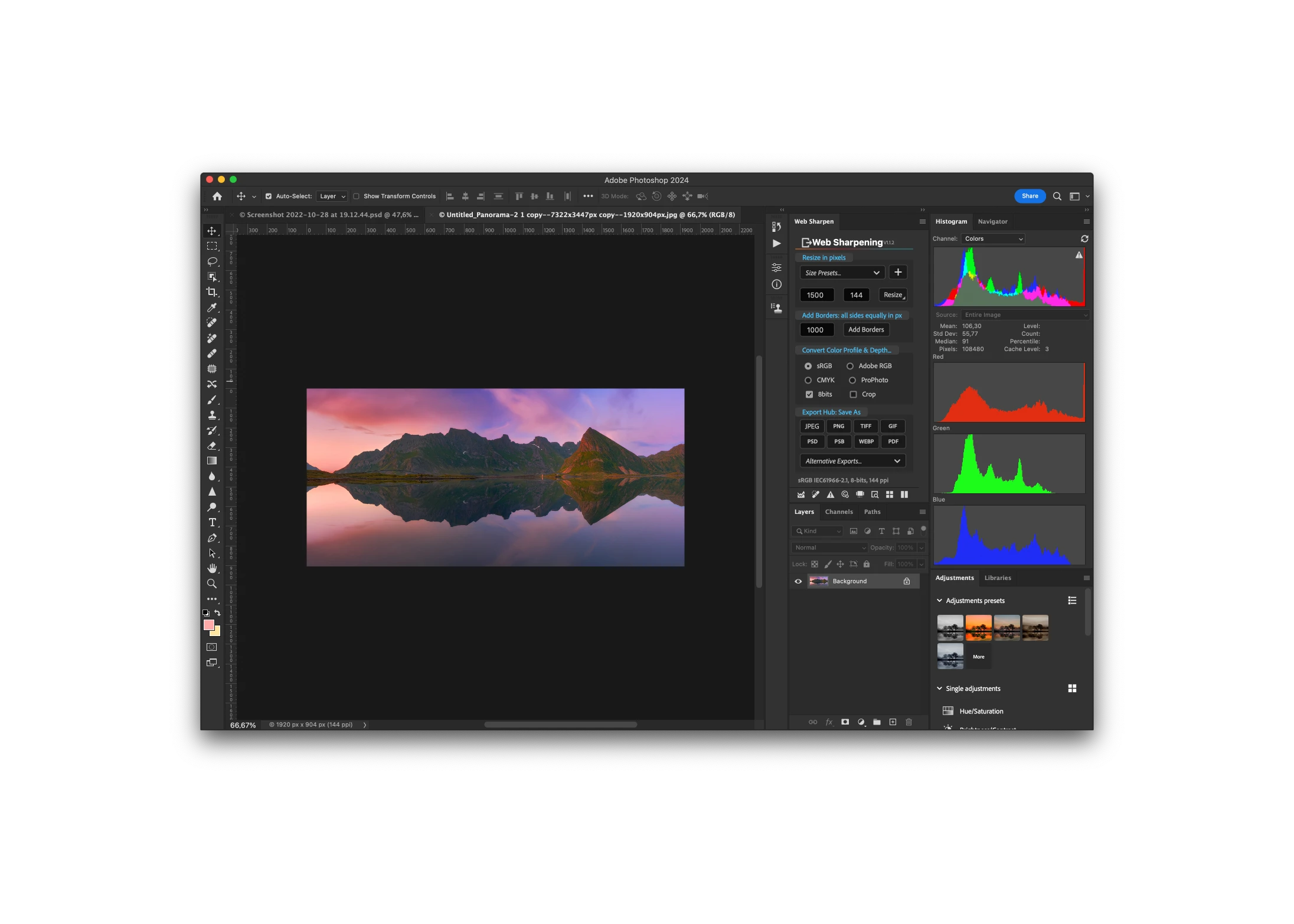
A photograph for your website, a smaller version for social media, a full-resolution file for a client. Preparing each one separately means repeating the same resizing, sharpening and export choices. Web Sharpening brings those choices together in a panel inside Photoshop.
- Two sharpening methods
- Eight export formats
- Single images or batches
Sharpen for the size you’ll actually share.
Resizing changes how a photograph looks. Choose Smart Sharpen or the Sharpen Filter, set your output size and control the sharpening layer’s opacity to suit the image.
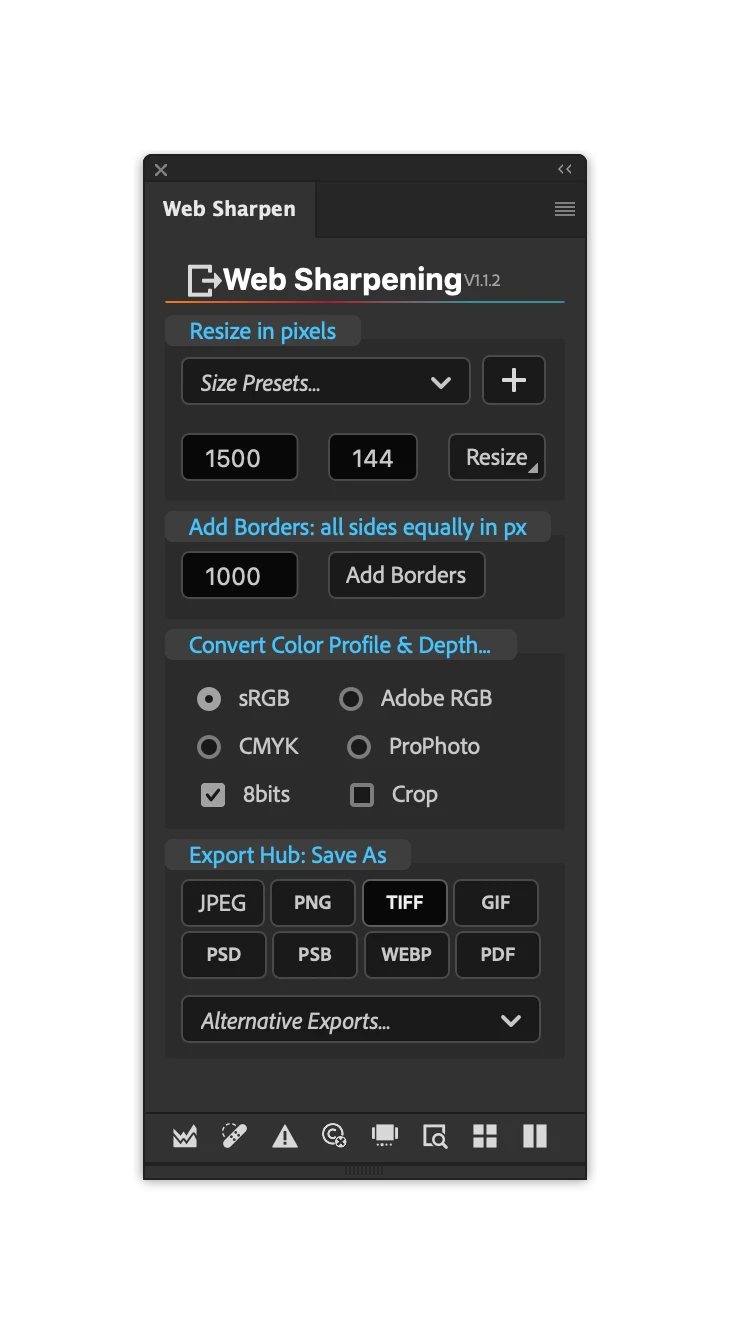
- Resize by the longest or shortest edge.
- Save up to ten size presets for the outputs you use regularly.
- Use Protect Sky to mask sharpening away from the sky.
- Choose the resampling method and adjust the resizing scale factor.
Prepare several outputs without starting over.
Process a single image or a batch. Export web-sized versions alongside full-resolution files, with your preferred sizes, quality and output folders already set.
Add borders and a watermark, convert the colour profile or bit depth, and organise the results into format-specific folders. Filename suffixes and file-cleanup options help keep deliveries consistent.
Export formats JPEG · TIFF · PNG · WebP · PSD · PSB · PDF · GIF
More ways to put the finished photograph to work.
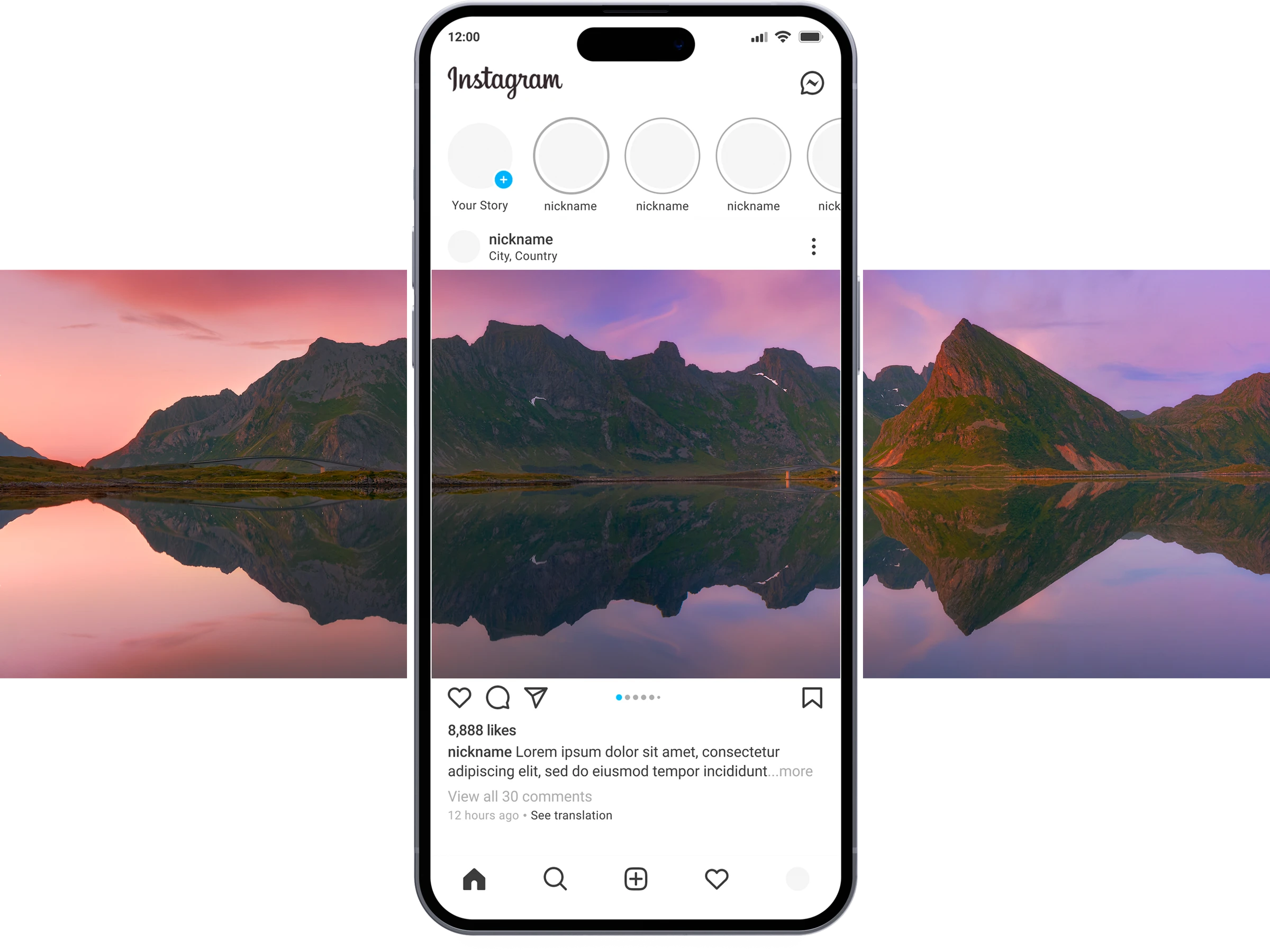
Create Instagram carousels
Choose your images, set the slide height and number of slides, then arrange the photographs in Photoshop. Export the slides when the layout is ready.
Replace artwork in mockups
Place a photograph into a selected smart object, or batch-replace artwork and save each result. Useful when you want to show several prints in the same room or frame mockup.
The finishing details matter too.
Check the image
Dust-finder and halo-removal helper layers support cleanup. Live highlight and shadow clipping helps you spot tones that need attention before exporting.
Keep your information with it
Add copyright, licensing information, web statements and keywords, including AI keyword tagging. Metadata controls also let you remove metadata from a duplicate document.
Proof before delivery
Compare a soft-proofed version beside the original for print adjustments. Web proofing creates before-and-after exports for reviewing the result.
Before you buy.
- Requirements
- Adobe Photoshop CC 2023 (v24) or later. macOS, including Apple silicon and Intel, or Windows. This is a Photoshop UXP plugin, not a Lightroom plugin.
- Licence & updates
- Use on two of your computers under the existing licence agreement. Free future updates are included.
- What you get
- The Web Sharpening Photoshop plugin, with a separate user guide and installation instructions.
Questions about whether it fits your workflow? Get in touch.