
Dodge & Burn
UXP Plugin for Adobe Photoshop
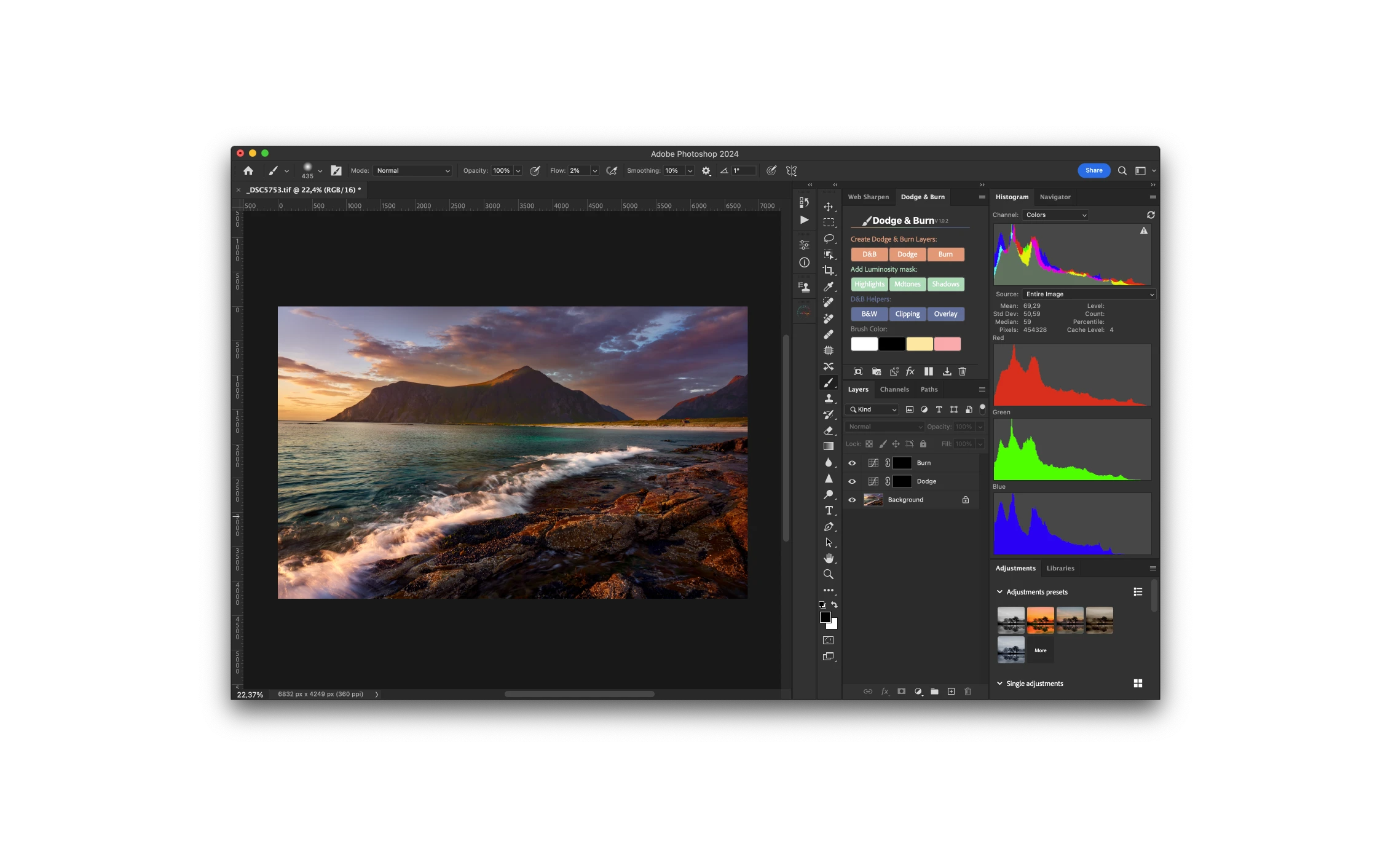
Discovering Photoshop's Full Potential.
User-friendly interface, combined with advanced Photoshop API and UXP technology, delivers exceptional performance for your editing needs.
Compatibility
Photoshop 23.4.0+ Mac M1 & Intel & Windows
M1 Support
Developed to Run Natively on Mac Apple Silicon M1.
Non-Destructive Workflow
Work faster and smarter with a non-destructive workflow.
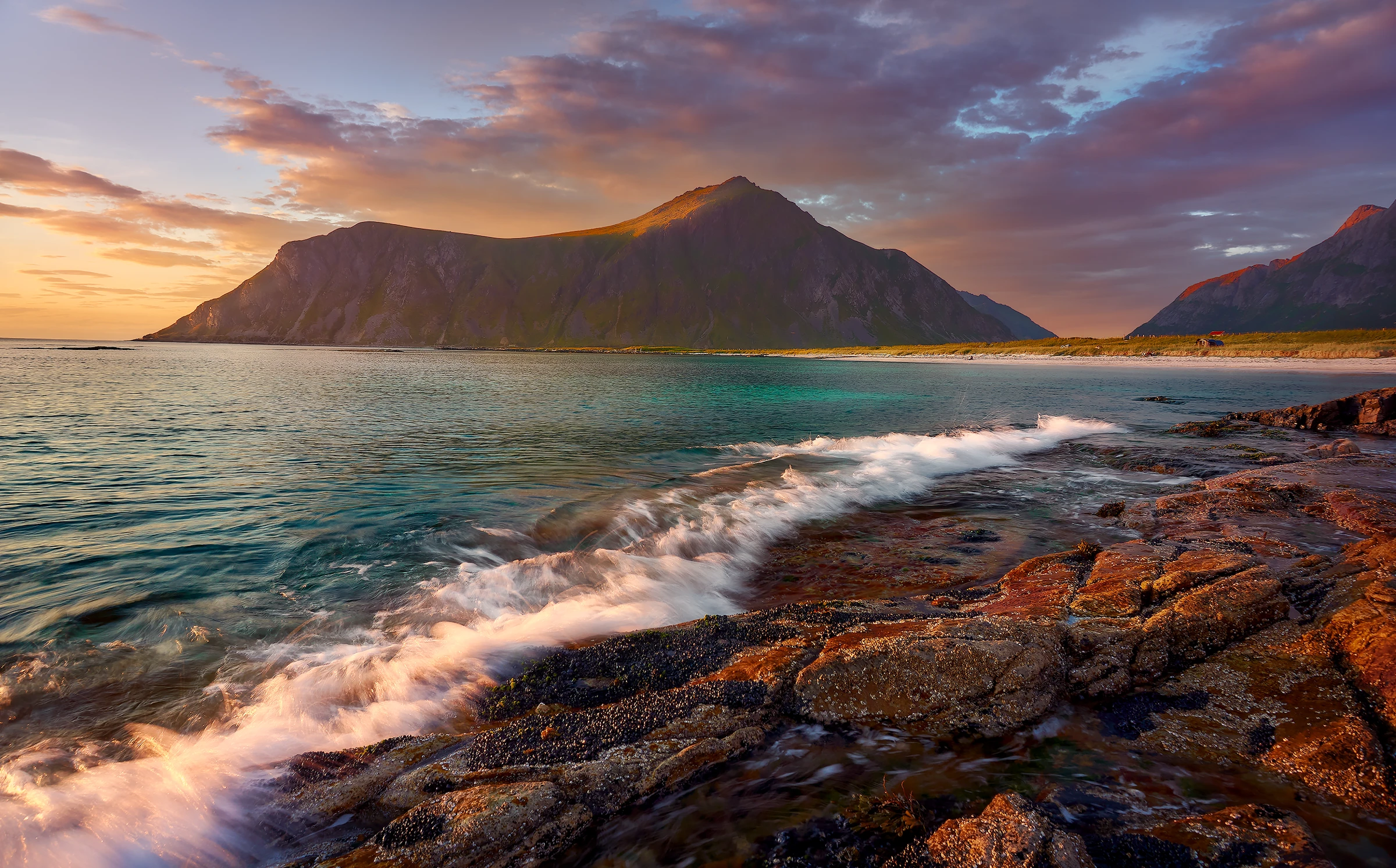
Dodge & Burn with Ease In Photoshop.
Unlock the power of Photoshop's precise and non-destructive Dodge & Burn adjustments. D&B Plugin offers creative control to enhance your images with unparalleled precision and stunning results.
Advanced Dodge and Burn with Luminosity masks made easy
Quickly create advanced 16-bit luminosity masks. These masks allow you to isolate specific tonal ranges—highlights, mid-tones, or shadows—so you can make precise adjustments without affecting the entire image.
Tile View: Seamlessly Edit with Live Layer Masks
Effortlessly edit and paint on layer masks while simultaneously viewing your image, saving you valuable time by eliminating the need to toggle between image and mask views.
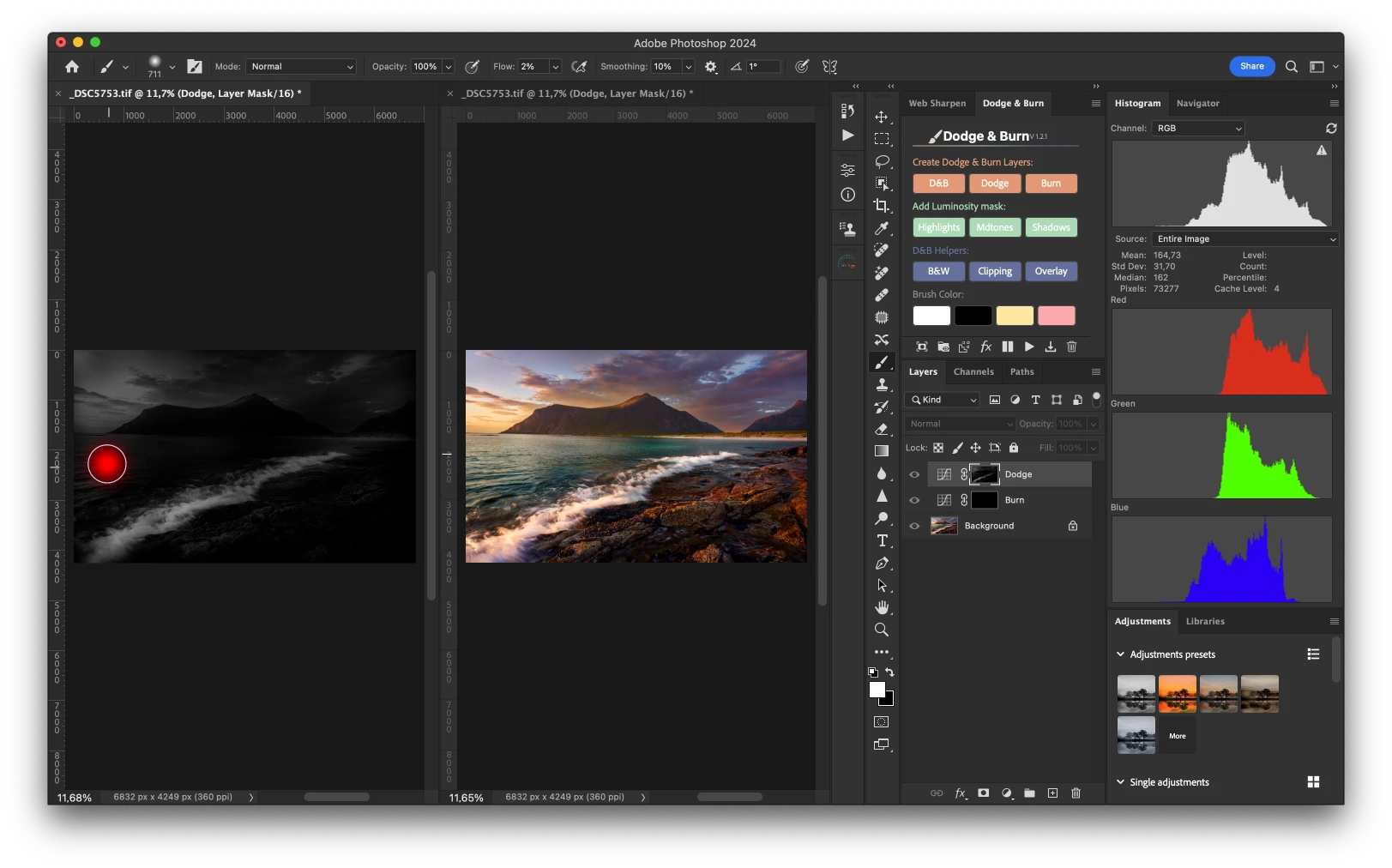
Display real-time highlight and shadow clipping
Mirroring the convenience of Lightroom's shadow & highlight clipping feature inside Photoshop.
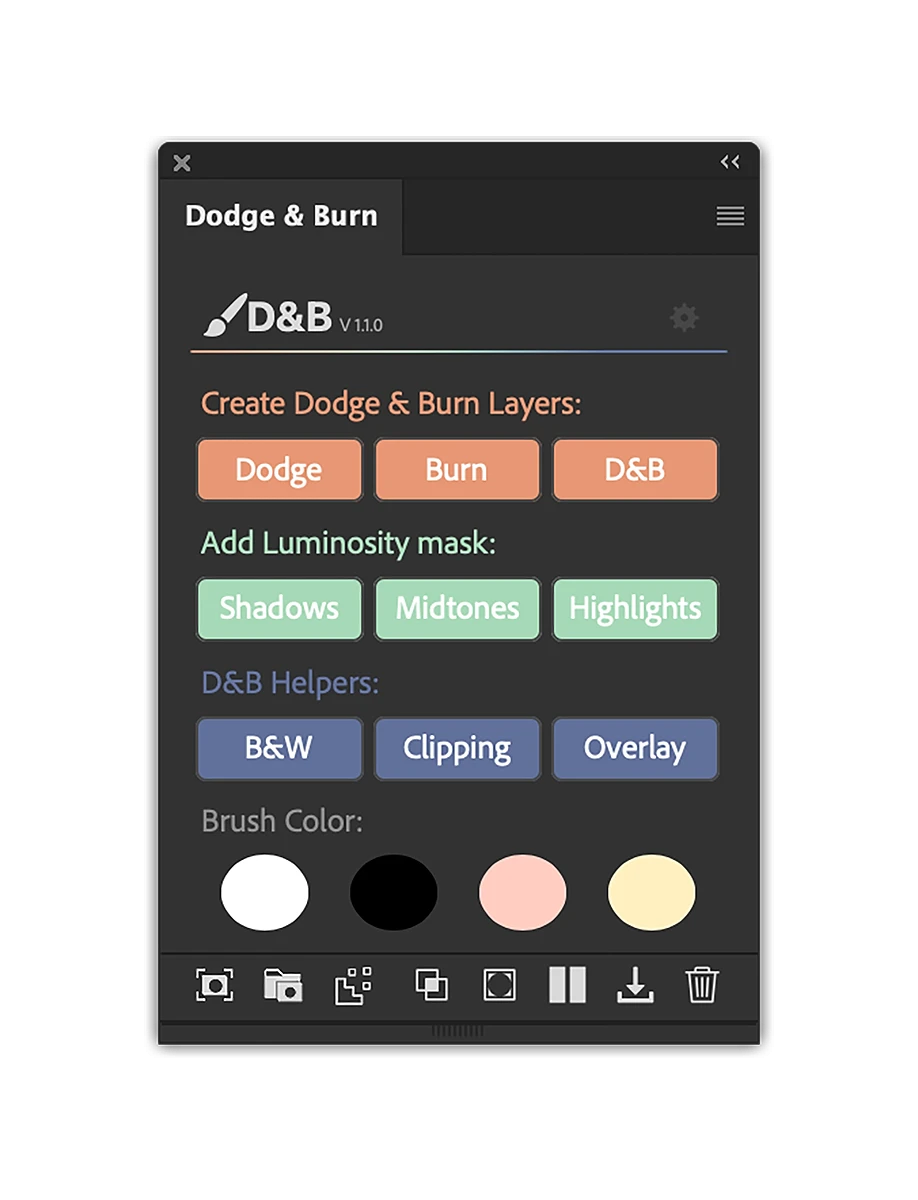
Over 17 buttons with over 30+ features
Dodge & Burn Layers.
Create three Dodge and Burn layer types—Empty Layers, Curves Layers, and Grey Layers—with customizable default layer type and shortcut keys, allowing you to efficiently create any of these layers by holding Ctrl/Cmd, Alt, or Shift keys
Luminosity masks.
Create 16-bit Luminosity masks effortlessly to target tonal ranges of highlights, mid-tones, and shadows.
D&B helper layers.
With the "B&W", you can instantly create a black-and-white adjustment layer, enabling precise editing focused on luminosity. The "Clipping" feature offers real-time highlight and shadow clipping, similar to Lightroom's functionality. And "Overlay" tool simplifies the visualization of your D&B edits.
Brush Settings & color.
Set the default brush opacity, flow, and hardness, while also saving and storing your preferred color swatches.
Auto color Switch.
Automatically toggle between background and foreground colors when selecting D&B layers.
Photoshop color working space.
Set the default color working space for better and more precise editing.
Create Layer masks.
Add black layer masks to selected layers, with options to add white masks by holding Cmd/Ctrl or delete masks by holding Alt.
Double masking.
Instantly create a group adjustment layer with a black mask, and holding down the Cmd/Ctrl key adds a white mask instead.
Fade Adjustment.
Invoke the fade command to fade the last adjustment’s opacity and blending mode.
Blend-If.
Restrict adjustments with BlendIf, with options to target highlights, shadows, mid-tones, or delete the effect.
Tiles View.
Enabling simultaneous live image viewing and mask editing for increased efficiency, eliminating the need for toggling between views.
Save As.
Quickly save your current document as a JPEG file to a pre-defined folder of your choice, conveniently configured in the D&B plugin's settings menu.
Delete.
Delete selected layer(s), or selected layer mask, or delete all hidden layers using shortcuts.
Download the Plugin
Dodge & Burn is a lightning-fast, user-friendly, and robust plugin crafted with creatives in mind. Tailored for those seeking ultimate control over their dodging and burning workflow, the Dodge & Burn plugin includes over 30+ features for fine-tuning images.
✓ Compatible with Adobe Photoshop CC 2022 and later
✓ Windows and Mac
✓ Free Updates